Install and first run
Vyrux is one Splunk app. You install it once, and it works for every person who has a Vyrux role.
Install it
- In Splunk Web, open Apps, Find more apps.
- Search for Vyrux Security and select Install. Sign in with your splunk.com account when asked.
- Restart Splunk if it asks. If Splunk has not loaded the API collector input after an install or upgrade, API Studio says so and asks for one restart.
In Splunk Cloud, install it from the same page, or ask your Splunk admin. To install from a file instead, open Apps, Manage Apps, Install app from file and choose the package.
Where to install it
- Splunk Enterprise: install it on the search head your security team uses. There is one package. It needs Splunk Enterprise 10.4 or later.
- Splunk Cloud with Enterprise Security: install it on the Enterprise Security search head. The correlation searches live there, so that is the only place Vyrux can read and fix them. The ad hoc search head does not see them.
- Search head clusters: every cluster member shows the same server ID, so one activation code covers the whole cluster.
Give people access
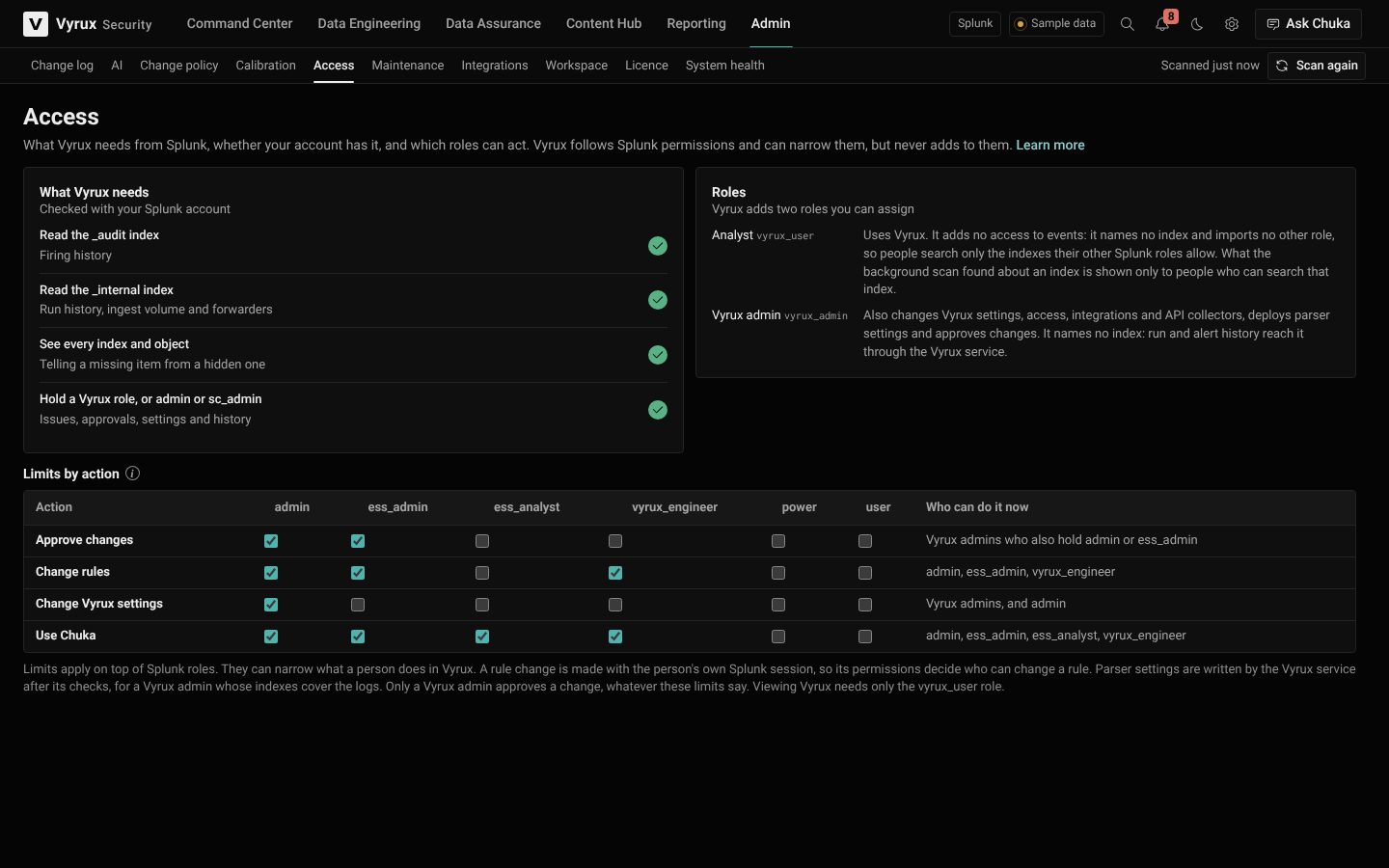
Vyrux adds two roles. Splunk stays in charge: every search of your logs and every change to a rule or parser runs with the person's own Splunk permissions.
| vyrux_user | Uses Vyrux. Adds no access to events: it imports no other role and names no index, so people search only the indexes their other Splunk roles allow |
| vyrux_admin | Also changes Vyrux settings, access and integrations. Names no index: firing and run history come through the Vyrux service |
Firing history, run history, ingest volume and forwarder health come from Splunk's own indexes: _audit, _internal and _introspection. For a person whose roles cannot search them, the Vyrux service reads them with its own access, through a fixed list of counting searches. These return names, counts and times only:
- runs and alerts by saved search
- ingest volume by index and sourcetype
- parsing warnings by sourcetype
- forwarder host names and versions
- HTTP Event Collector token names
- API collector runs
They never return an event from your logs, and nothing a person types is searched. The Vyrux log, which names each person and the requests they made, is read this way for a Vyrux admin only.
A person without either role sees a short message that asks them to request access. They see no data. Roles and access sets out what each role can do and see.
First run
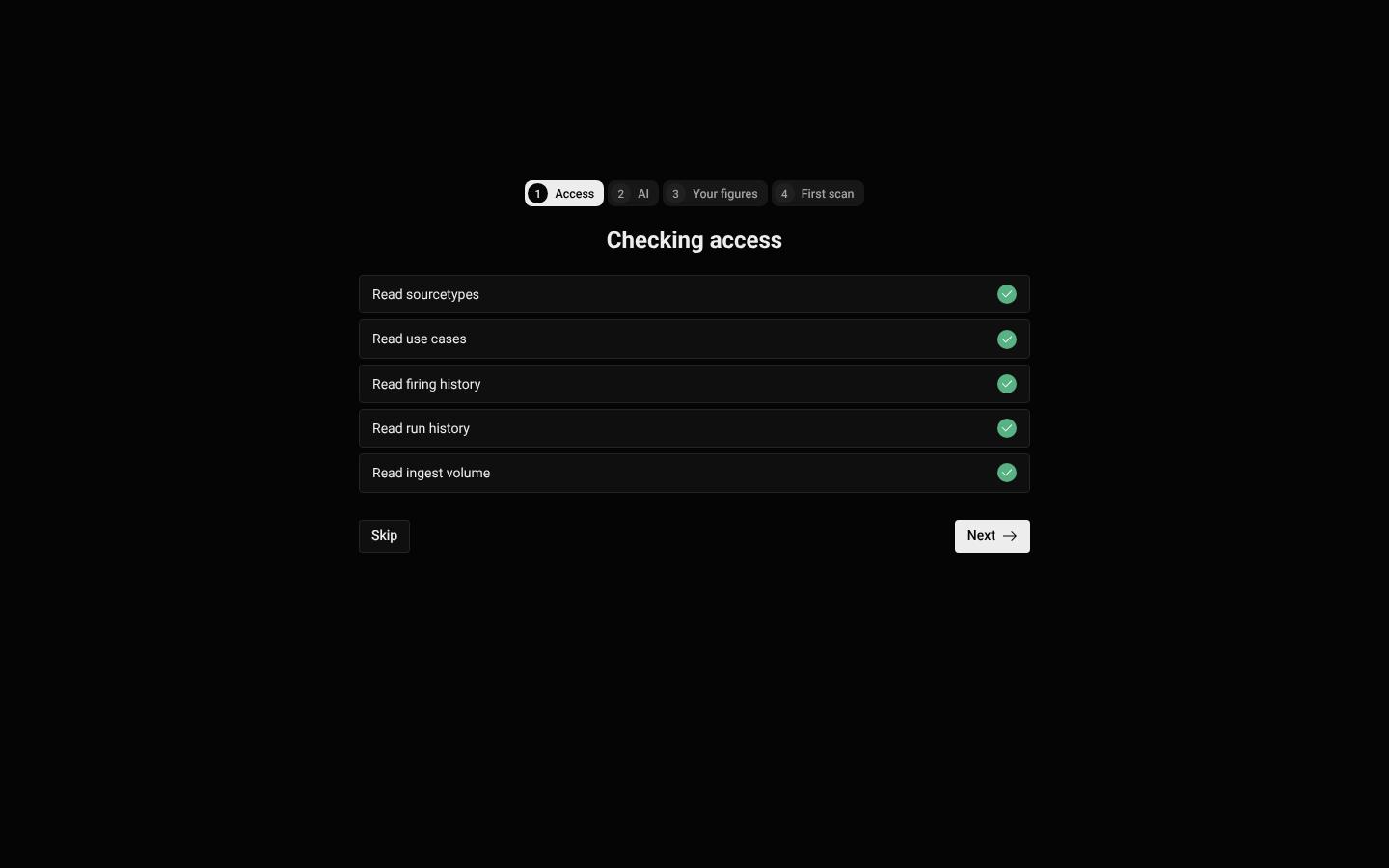
- A Vyrux admin or a Splunk admin opens Vyrux Security from the Splunk app menu. Nothing is read yet.
- Six short screens say what Vyrux is, what it reads and with whose permissions, what leaves Splunk (with the AI and masking choices), the licence or trial, and the roles.
- On the last screen, select Start the first scan. It takes two to five minutes on most search heads, and longer on a large Enterprise Security search head. The background scan starts after this, at its next 15 minute mark.
- Later, under Help, Setup guide, check what your account can read and set your own figures: the cost of a GB of logs and the analyst time per alert. Every money and hours figure in Vyrux comes from these.
An analyst who opens Vyrux before an admin has finished these screens sees a note that setup is not finished, and no scan runs for them.
Later visits open your kept scan without scanning again, with its age (a Vyrux admin opens the one kept for the Vyrux admins who hold the same roles). How fast depends on how busy the search head is. A visit scans again by itself only when the kept scan is older than the age set under Admin, System health (60 minutes unless changed). Scan again always scans.
Upgrading from build 76 or earlier
vyrux_user used to import Splunk's user role. Where user can search every index, that gave every index to anyone with vyrux_user. It no longer does. After the upgrade, a person who holds only vyrux_user searches no index until one of their own roles names one.